UTSC-ClubHouse
Motivation and Project Description
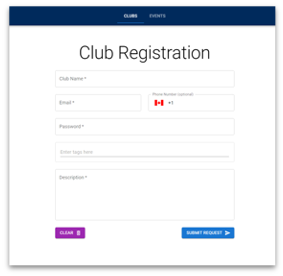
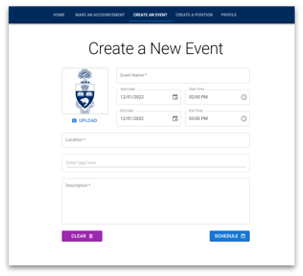
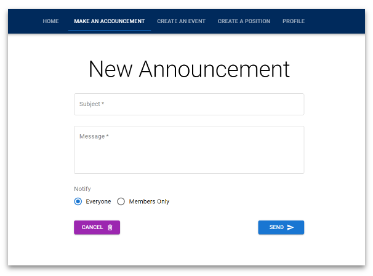
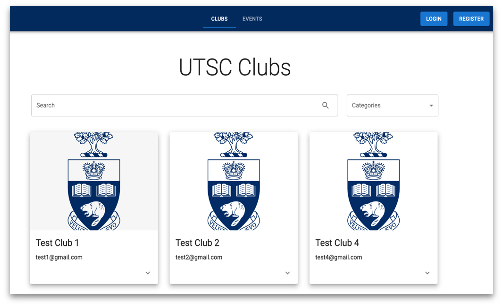
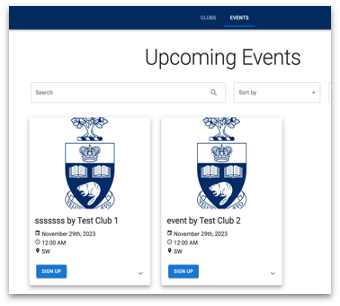
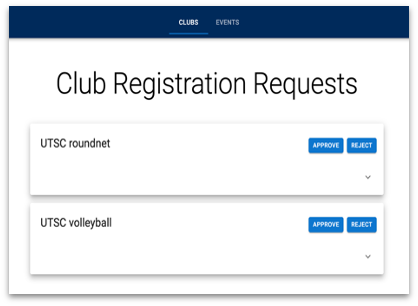
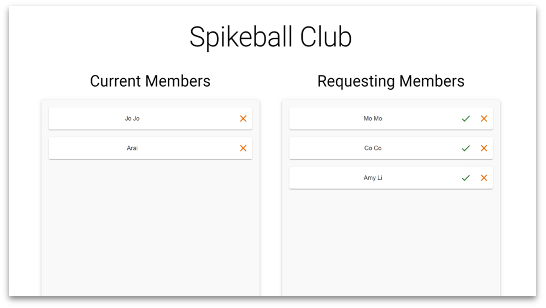
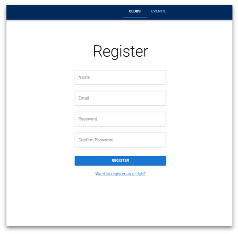
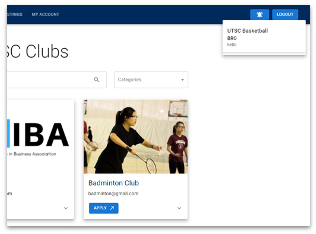
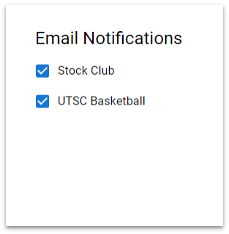
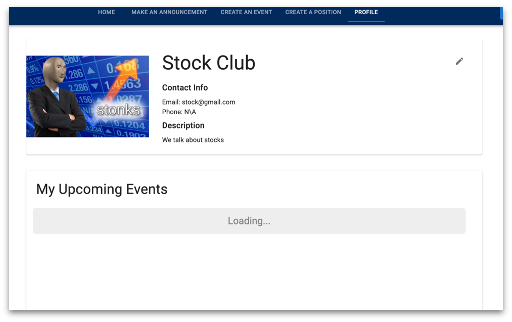
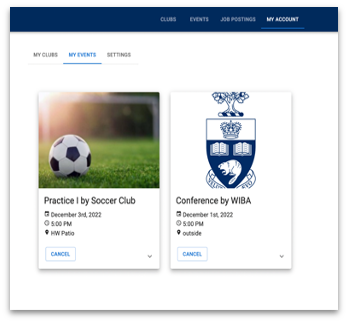
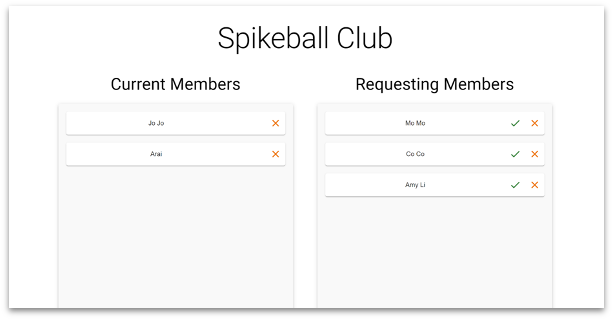
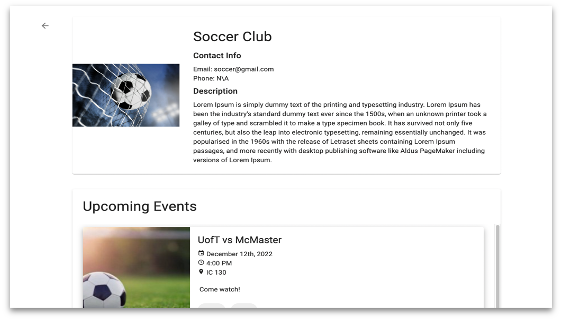
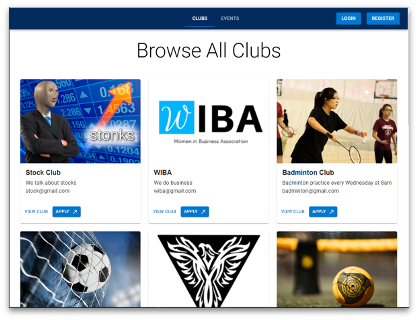
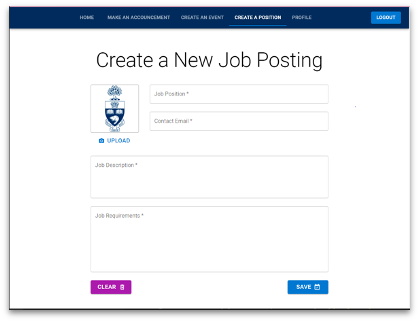
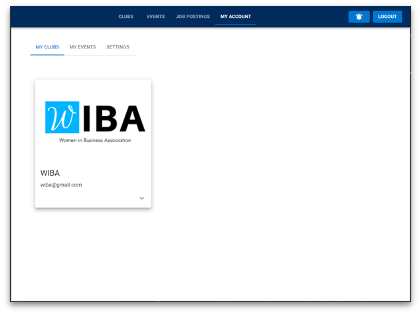
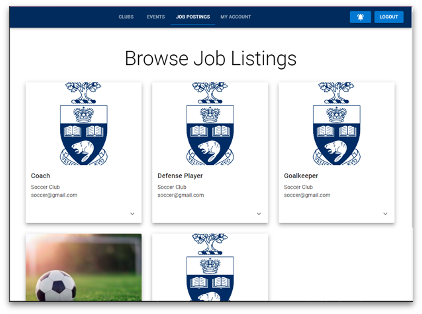
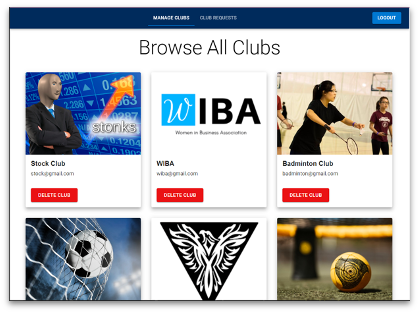
Worked in a team of 7 to develop a webapp which allows UTSC students to connect with clubs by sharing information about upcoming events and allowing them to register to join the club right from the app.
The frontend is developed using React js and its components. Material UI is used for universal styling and creating smoother working components. The API endpoints that the backend provides are called using the fetch call. This allows for CRUD properties to be introduced in the application. The backend of the app was built using Node.js and Express.js. Express is a popular node framework and has a lot of benefits. One of the ones we used is for writing handlers for http requests at different URL paths (routes). This is how we set up the API endpoints that interact with our database (MongoDB). In our database, we have set up different collections for different objects such as clubs, events, and users. We have implemented input sanitation code to make sure we don’t receive invalid inputs. And for invalid images, we have implemented pop-up alerts that show up on the user’s screen(ex. Big file size.)
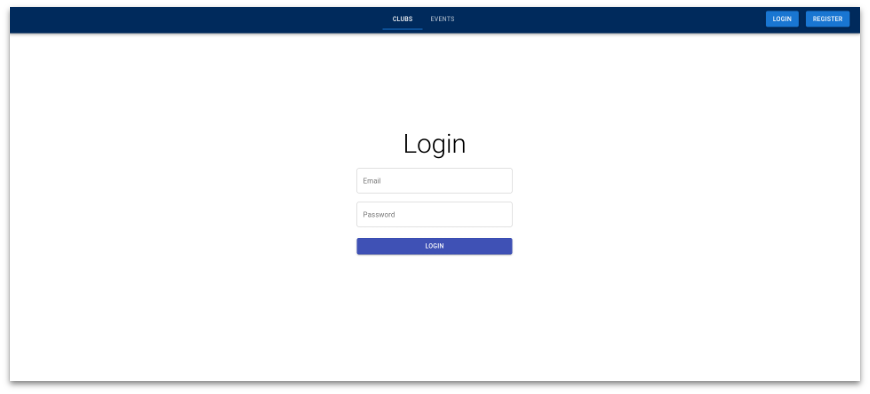
Website overview




Installation for your Software/System
- Database
We used MongoDB for the database. We hosted our database through AWS via MongoDB Atlas. There is a free plan available and the rest of this installation will assume you use it. Just create an account and select your plan then it will create a cluster which will host your database.
- Configuration
1) Open
/finalprojectf22-minimum-viable-percentage/config.envand replace the database string with yours which you can get from your database host. Download sample config.env
2) Run npm i to install dependencies.
-
Dev API Server
npm run api_serve -
Dev Client Server
npm run client_serve -
Client & API & React Watcher
npm run dev
Contribution
In order to contribute please fork our repository and submit a pull request, we will be monitoring them. If you find an issue but do not have a solution please check out Issues.